Schedule in seconds
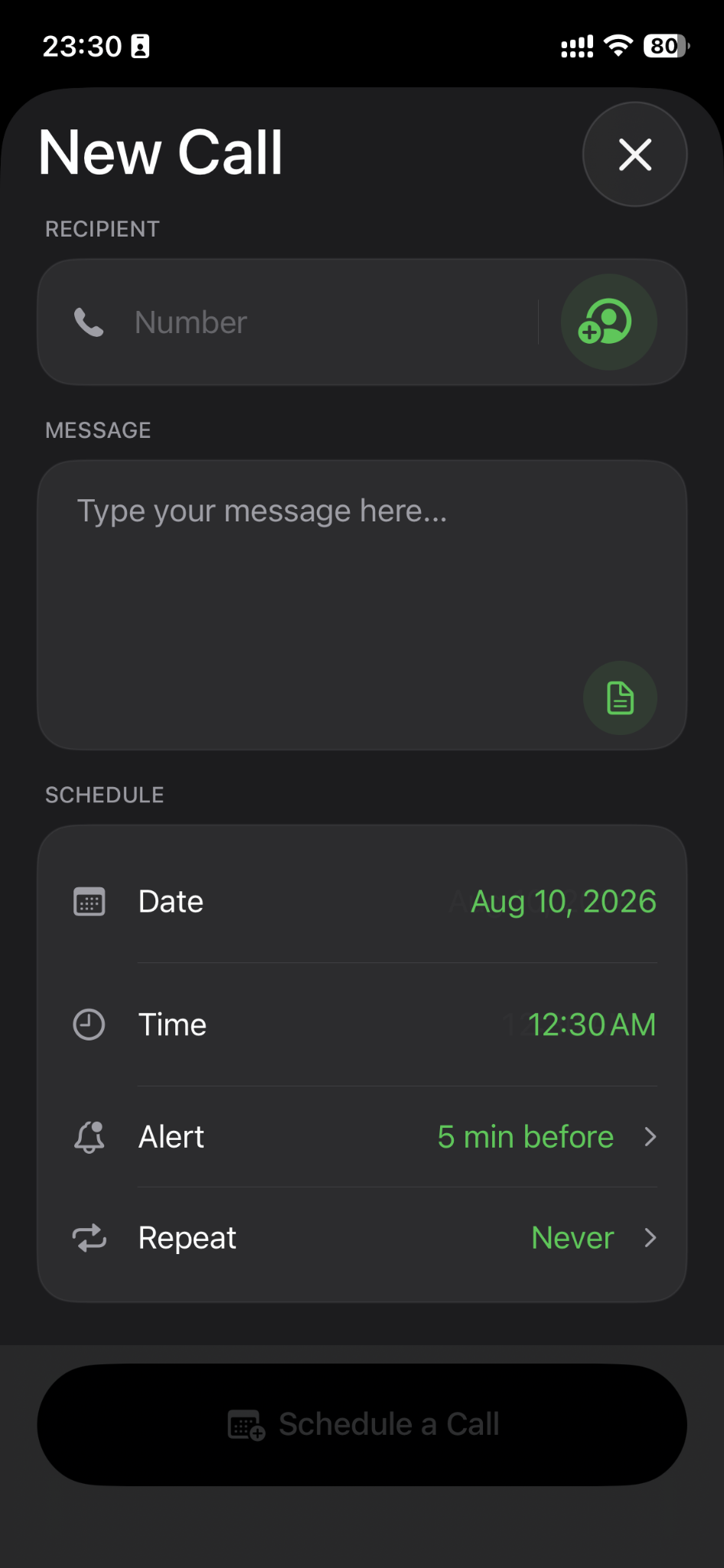
Pick a date and time, choose an alert, add context, and your call is ready.
 Call Reminder
Get the app
Call Reminder
Get the app
Call Reminder - Call Scheduler keeps important conversations on your radar with simple scheduling, timely alerts, repeat reminders, and a focused calendar built for calls.
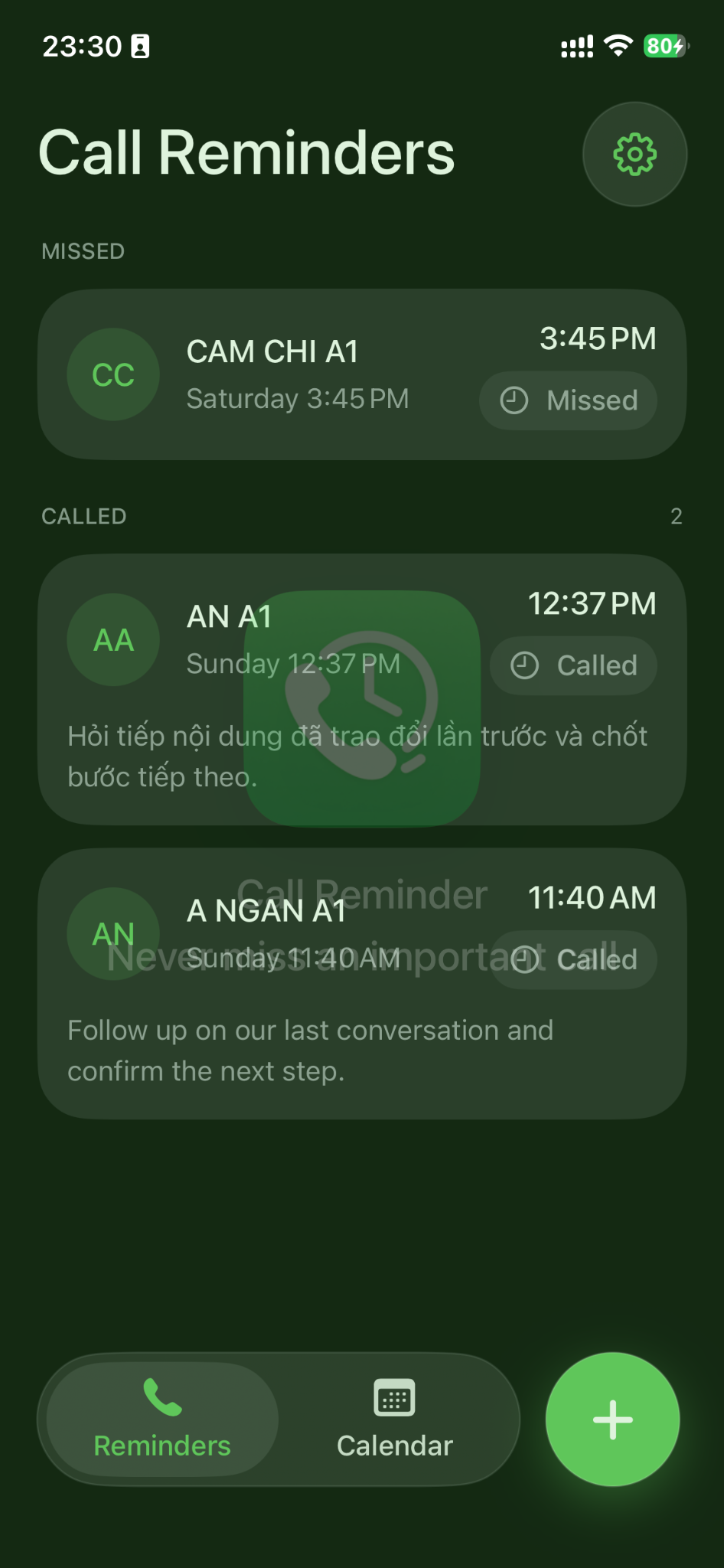
No overloaded task manager. No complicated workflow. Just a focused way to schedule, review, and act on the calls that matter.
Pick a date and time, choose an alert, add context, and your call is ready.
Set recurring reminders for regular check-ins, clients, family, or weekly follow-ups.
Add a note so you remember what the conversation is about before you make the call.
See upcoming call reminders in a calendar so busy days are easier to plan.
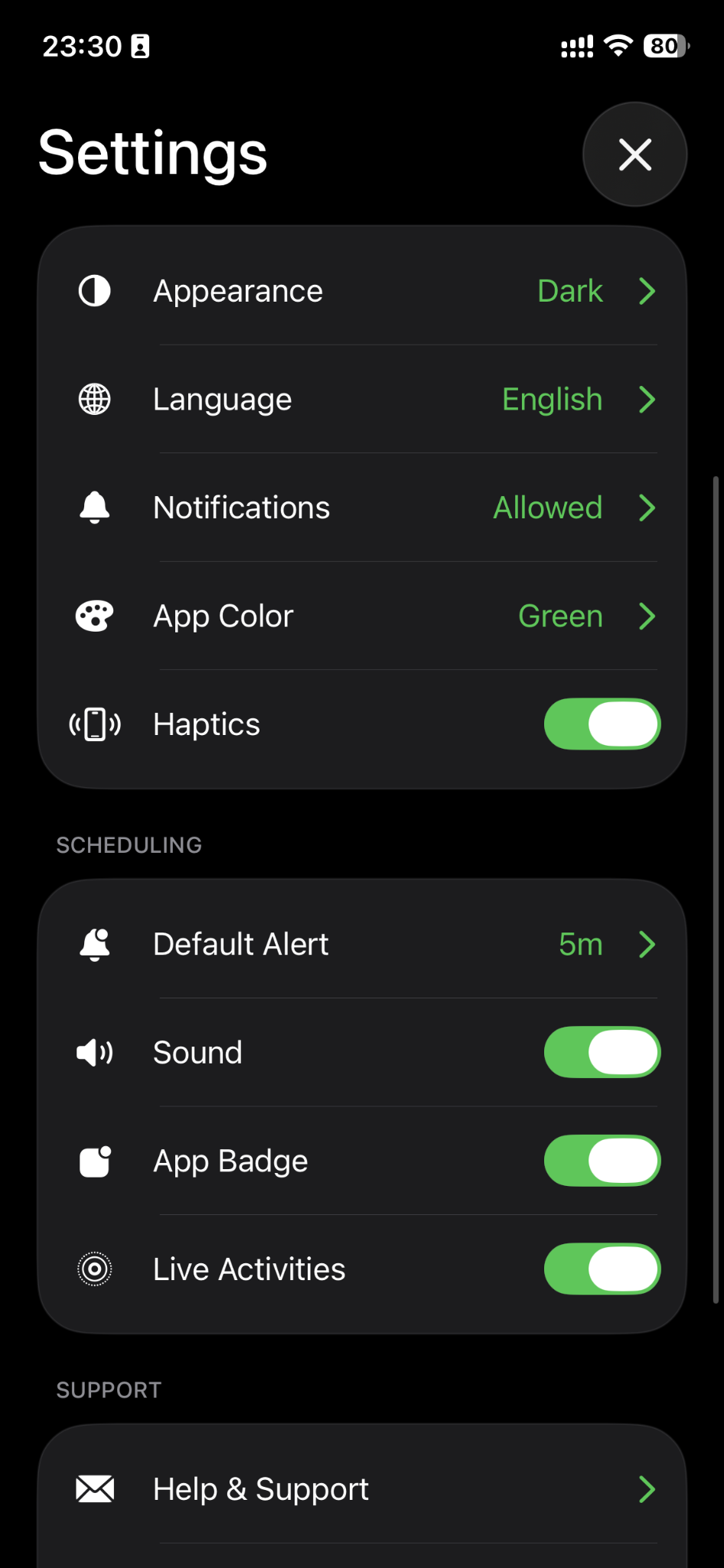
Choose appearance, language, app color, haptics, sound, and badge preferences.
Keep missed and completed calls visible, so follow-ups don’t disappear from your day.
The new interface puts the next action first while keeping scheduling options easy to scan.
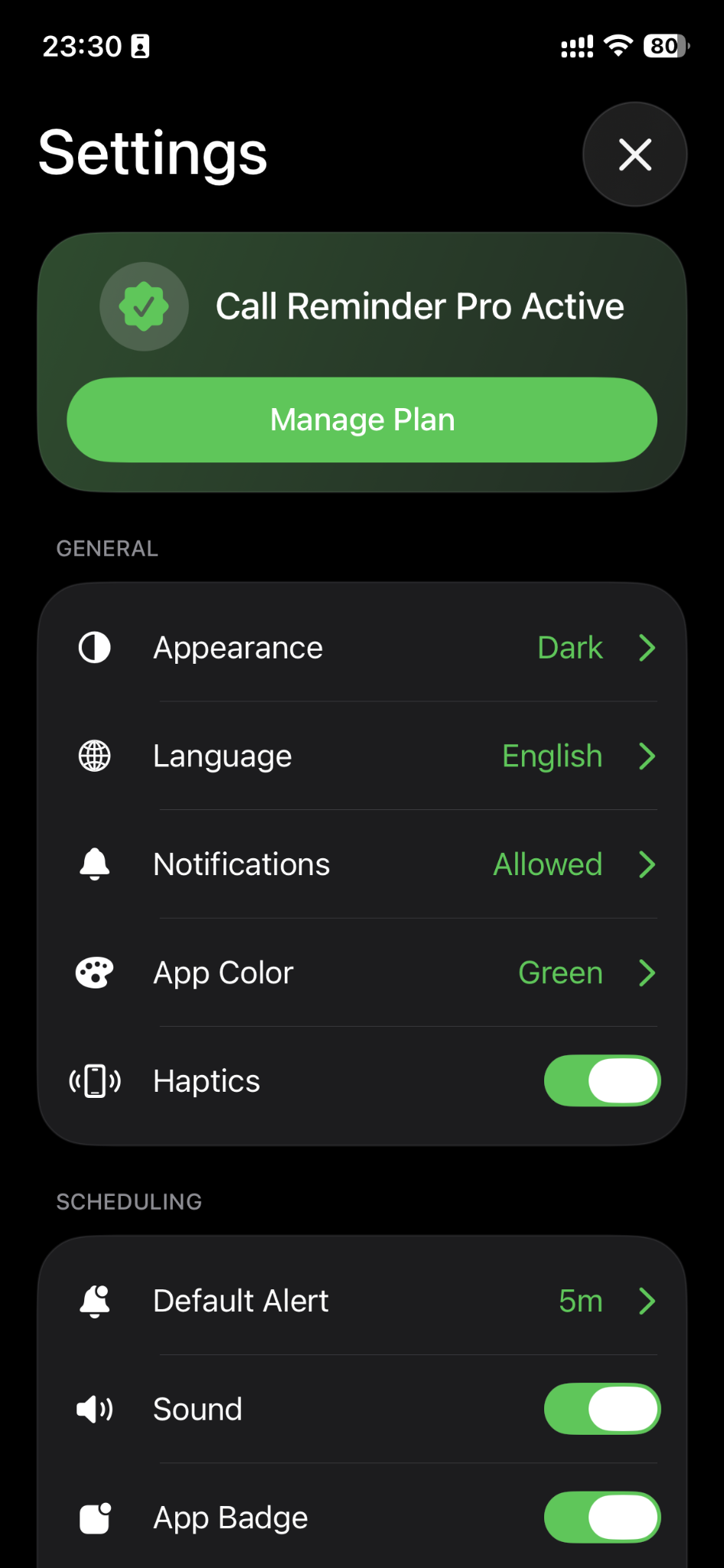
A streamlined Pro experience is available inside the app for users who want more from their reminder workflow.
Explore on the App StoreIt is an iPhone utility for scheduling calls and receiving reminders before the time you plan to call.
Yes. Add a message or context so you know what you wanted to discuss when the reminder arrives.
Yes. The scheduling flow includes repeat options for recurring call routines and follow-ups.
Email synodtech@gmail.com and include your iPhone model, iOS version, and a short description of the issue.